Practice
Notice Thinking
Practice Settings
Shape the timer, rhythm, voice, and set of states for your practice.
Avatar & voice
Timing & order
States included
Spoken guidance
Background music
Display & device
Reflection Log
Notice how the practice feels whenever you wish. Entries stay on this device.
Guide & Media
Learn the nine attention states and their vector-field visualizations before or after your practice.
How to practice
- Choose your timing, order, and active states in Settings.
- Choose a meditation timer in Settings. The default is 5 minutes, or select continuous meditation to turn the timer off.
- Begin the practice. When a timed meditation ends, add a short journal reflection before returning to the beginning.
- Respond with a comfortable movement, an imagined movement, or quiet attention.
- Record how the practice feels in your reflection log whenever you wish.
The nine attention states
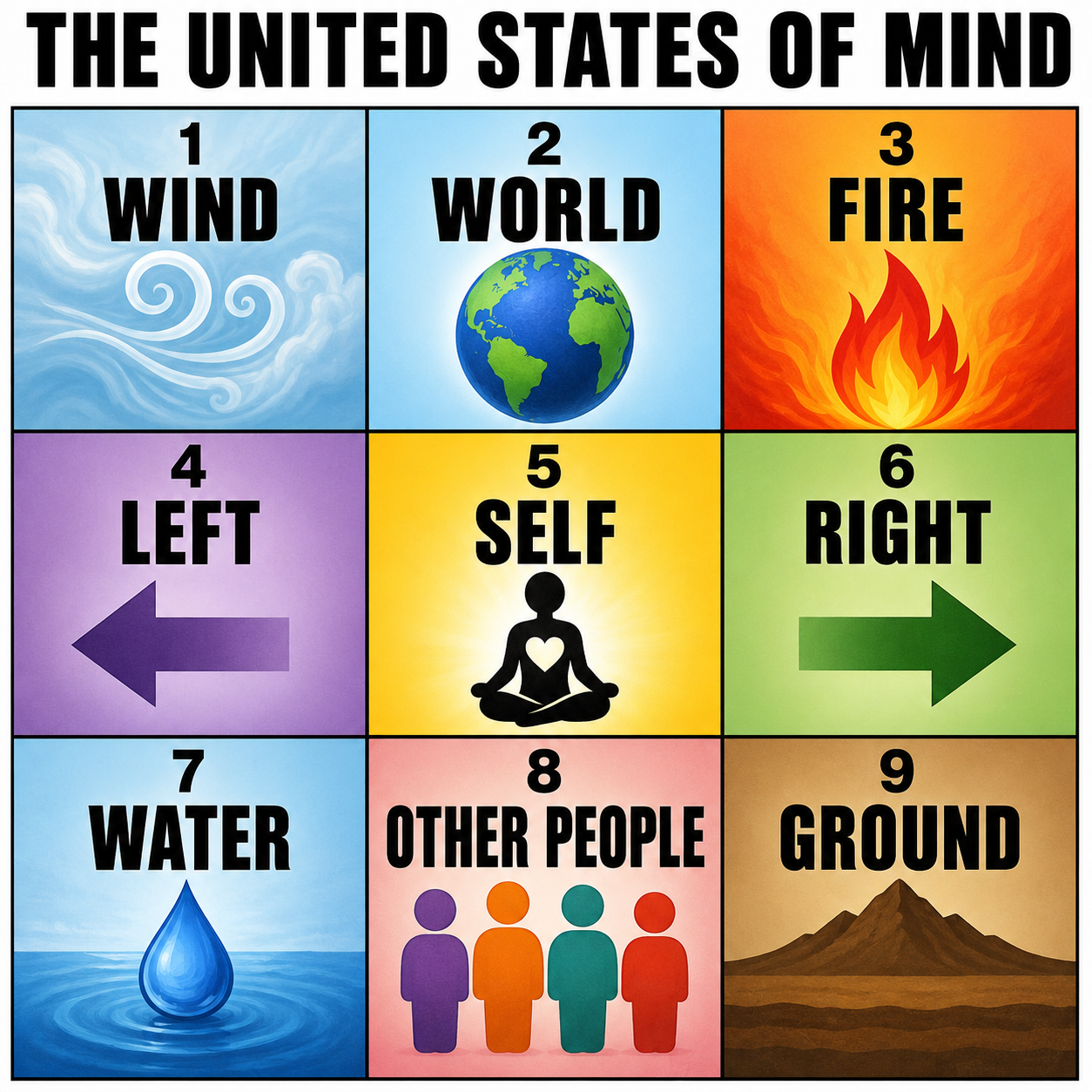
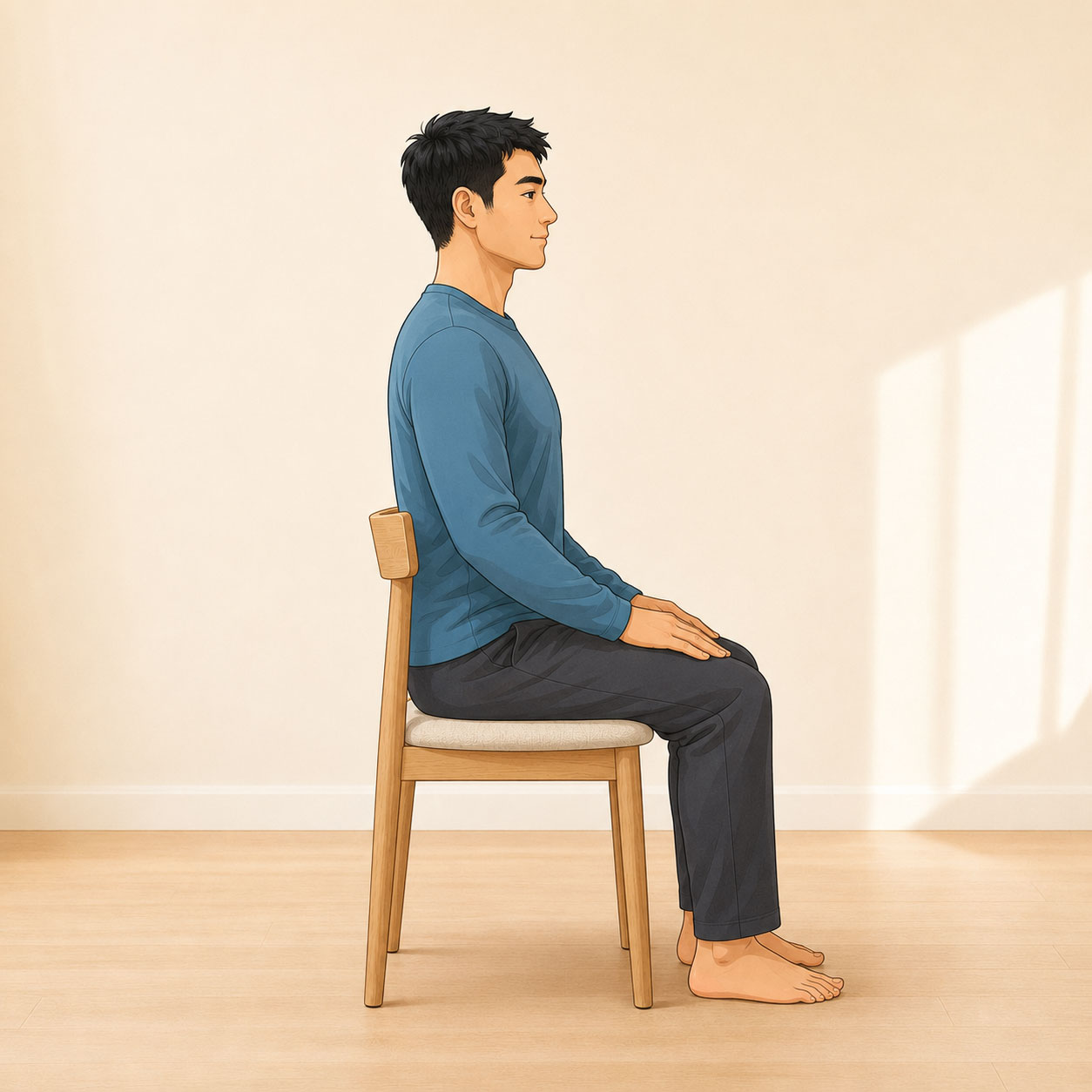
Thinking, Environment, Moving, the Left Side of the Body, Self, the Right Side of the Body, Feeling, Other People, and Posture offer nine practical areas for directing attention. During each state, a vector field appears over the seated figure to provide a second visual focus.
Privacy & wellness
No account is required. Your settings and journal are stored locally on your device. This app supports mindful exploration and general wellness; it does not diagnose, treat, or replace professional medical care.
Vector Field Meditation · Version 1.2.1